Your CFDIs are yours, not the system's
The most common fear when switching providers is losing invoices. It does not happen, because of how the CFDI works. The invoice is the stamped XML file. The PDF is its printed representation, and the system where you generated it is only the tool used to issue it.
Every stamped CFDI is registered with the SAT under its fiscal folio (UUID). You can look it up and download it on the SAT portal, regardless of which system issued it.
Your obligation is to keep the XML files as part of your accounting records for the period set by the Federal Tax Code, which as a general rule is five years. That is why it is best to have your own backup, one that does not depend on the old system or on the SAT portal.
What to take with you before you leave
Make this backup while your old account is still active. Some providers limit access when you stop paying.
- XML files of your issued CFDIs: invoices, credit notes, payment complements and payroll receipts.
- XML files of your received CFDIs, if the old system also stored them.
- Customer catalog, with RFC, name or legal name, tax regime, postal code and delivery emails.
- Product and service catalog, with SAT key, unit and taxes.
- Series, with the last folio used in each one.
- Outstanding balances of your PPD invoices, so you can keep issuing their payment complements.
- Your logo and the texts of your PDF format.
- Your addenda data, if you invoice retail chains.
What happens to your CSD and your prepaid stamps
The Digital Seal Certificate (CSD) is issued by the SAT under your RFC. It is yours and it is not tied to any provider. To invoice in the new system you upload the same .cer file, the .key file and its password. You do not need to request another certificate or notify the SAT of the change.
The same CSD can be loaded in two systems at once, which lets you work in parallel during the transition. When you finish, ask the old provider to delete your certificate from its platform. For more certainty, you can revoke that CSD and generate a new one on the SAT portal.
The stamps you already paid for are the opposite case. Each provider sells its own and they cannot be transferred to another system. If you have many left, use them before switching or schedule the switch for when they run out. Also check whether they expire, because with some providers stamps expire after one year.
When to make the switch
The switch takes little time. What matters is choosing the moment.
- At the start of a month. Your monthly reports stay complete in a single system.
- When you have few stamps left in the old system.
- Outside your busiest invoicing days. Avoid month end, payday if you stamp payroll, and the high season of your business.
- Before your annual plan expires, with enough time to test the new system without pressure.
Steps to switch systems
This order avoids the two most frequent problems: being left without a backup and discovering an error after you have closed the old account.
- Download your backup from the old system: XML files, customers, products, series and balances.
- Create your account in the new system and upload your tax information and your CSD.
- Import your customer and product catalogs, or let the system obtain them from your previous CFDIs if it offers that function.
- Set up your series. You can continue the sequence or start a new series to distinguish the invoices issued in the new system.
- Adjust your PDF format with your logo and contact details.
- Stamp a real invoice for a small amount and review it completely: customer data, taxes, PDF and delivery email.
- Invoice for a few days in the new system while you keep access to the old one.
- Once you confirm everything is in order, close the old account and ask them to delete your CSD.
Common mistakes when switching
Almost all of them are avoided with the backup and a few days of parallel operation.
- Canceling the old account before downloading the XML files.
- Repeating series and folio. The CFDI remains valid, because the UUID identifies it, but the repetition complicates your accounting and that of your customers.
- Forgetting PPD invoices with a balance. Without the correct balances, payment complements come out with wrong amounts.
- Typing customers in again by hand. A mistyped RFC, tax regime or postal code causes the stamping to be rejected.
- Not telling your accountant. They need to know where to download the XML files from after the switch.
- Leaving the CSD loaded in a system you no longer use.
Canceling or correcting invoices from the old system
After the switch you may still need to cancel an old invoice. You do not depend on the old system for that, because the SAT portal lets you cancel any CFDI issued under your RFC.
If the correction requires an invoice that replaces the previous one, it is issued in the new system and related to the fiscal folio of the original.
What switching to Factura Digital looks like
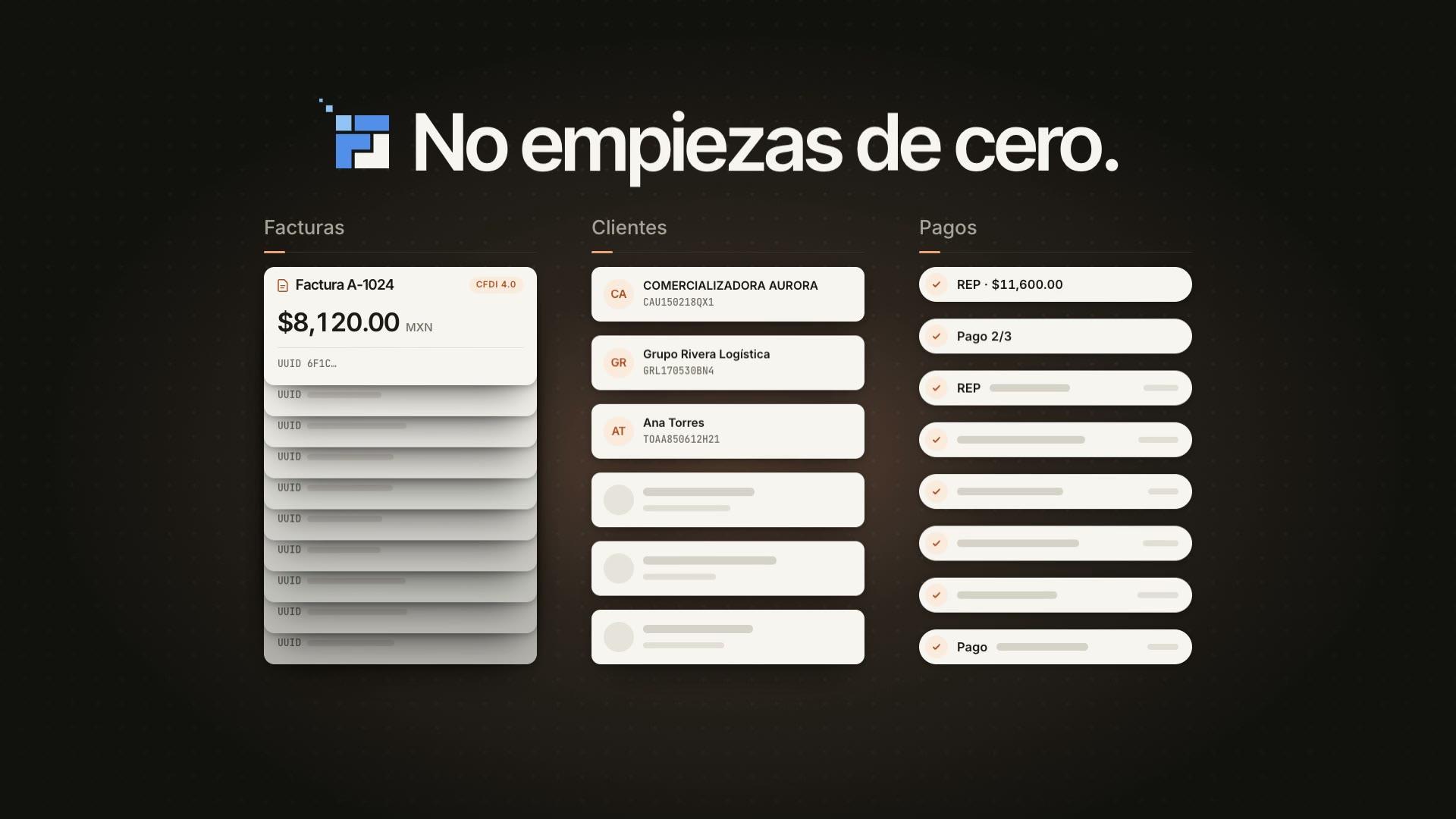
At Factura Digital you do not enter your information again. With the 1-click Migration Assistant, the system automatically imports your CFDIs, customers, suppliers and products from the SAT. The current year is included and previous years are migrated with Premium.
You create your account with your Tax Status Certificate and your CSD, and you receive 10 free stamps, one time and with no card required, to test with real invoices. The stamps you buy never expire.
If you are coming from another provider, Switch has the current conditions and the steps. If you are still comparing options, read how to choose a reliable multi-PAC application.